

About Google Drive backup
Sleep well: a fresh copy of your billing system is always somewhere safe.
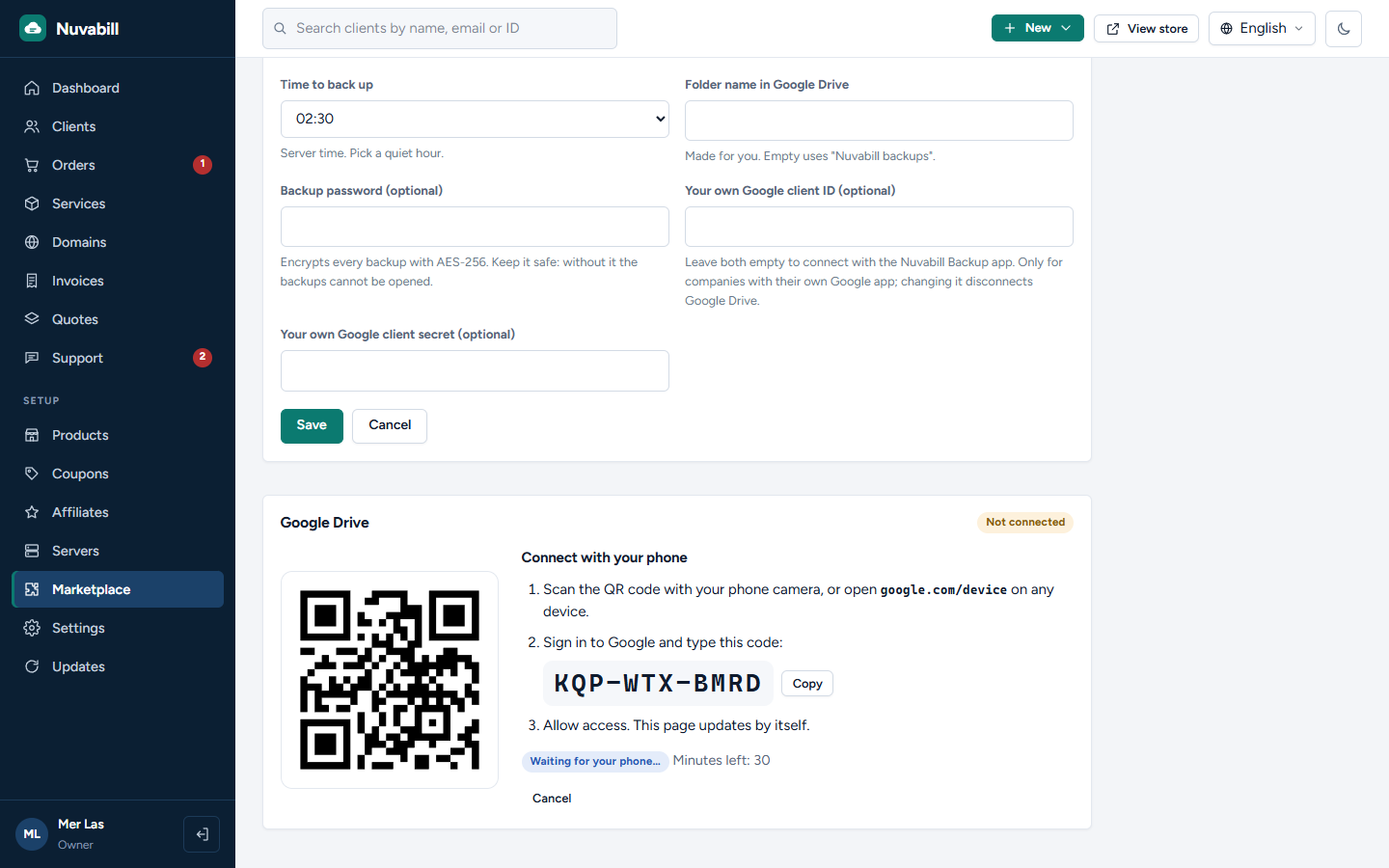
- Connect in a minute: press Connect, scan the QR code with your phone, sign in to Google and type the short code. Nothing to set up in Google
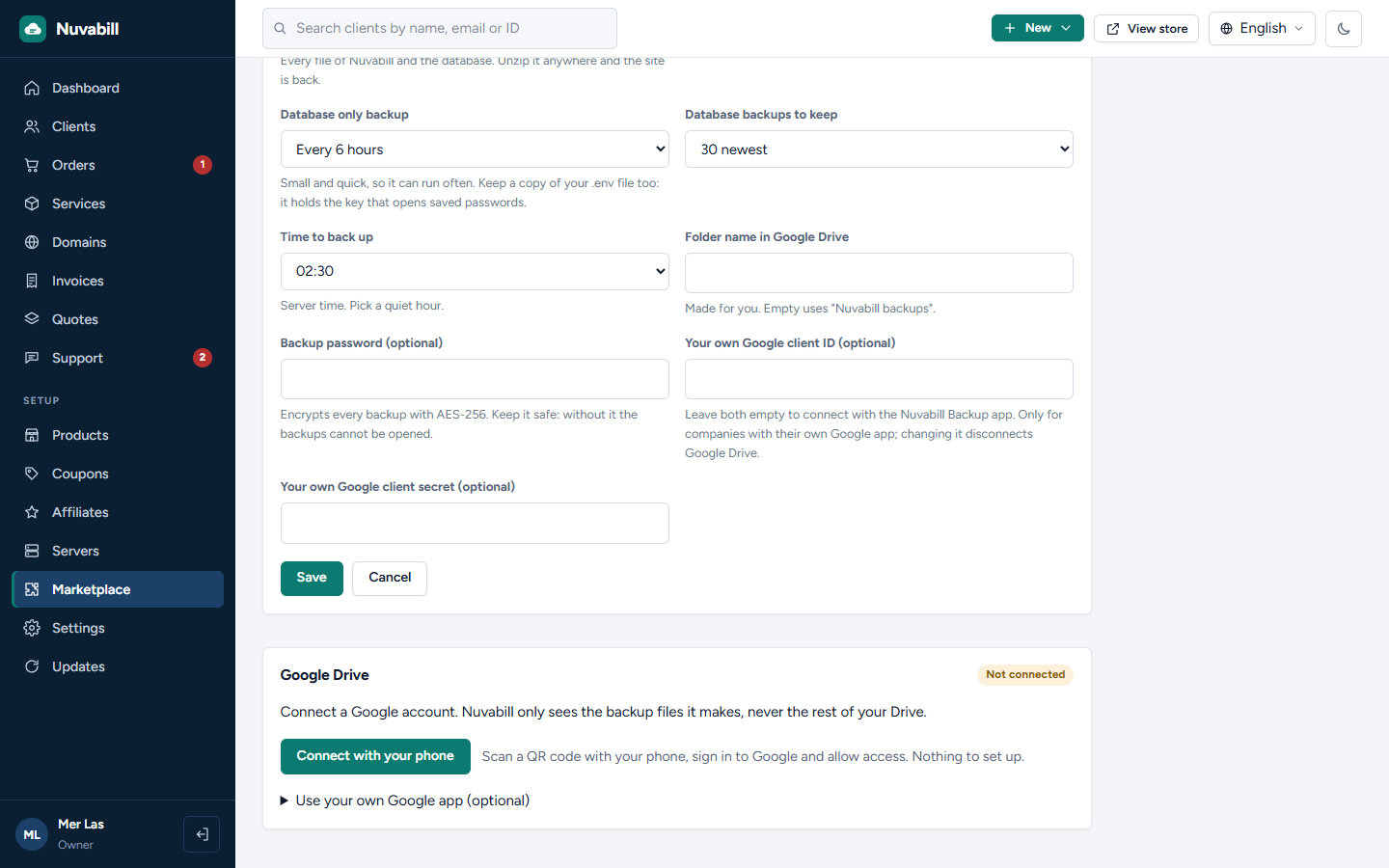
- Two backups, each with its own switch: the whole site (every file and the database) and the database only
- Whole site every day or every week; database every 6 hours, every day or every week, or off
- Keeps the newest copies you choose and deletes older ones
- Back up now with one click
- Optional password: every backup encrypted with AES-256
- Uses your own Google account and only sees the backup files it makes, never the rest of your Drive
- A RESTORE.txt in every backup explains how to put the site back
Companies that prefer their own Google app can still use one. Needs Nuvabill 0.4.2 or newer.
- Connect in a minute: press Connect, scan the QR code with your phone, sign in to Google and type the short code. Nothing to set up in Google
- Two backups, each with its own switch: the whole site (every file and the database) and the database only
- Whole site every day or every week; database every 6 hours, every day or every week, or off
- Keeps the newest copies you choose and deletes older ones
- Back up now with one click
- Optional password: every backup encrypted with AES-256
- Uses your own Google account and only sees the backup files it makes, never the rest of your Drive
- A RESTORE.txt in every backup explains how to put the site back
Companies that prefer their own Google app can still use one. Needs Nuvabill 0.4.2 or newer.
What it can do on your site
Adds settings for staff
Staff set it up in the admin area.
Staff set it up in the admin area.
Adds an admin page
Staff see a new page in the admin area.
Staff see a new page in the admin area.
Runs on a schedule
Does its work at set times through your cron job.
Does its work at set times through your cron job.
Copies your whole site
Reads the database and every file of the site, including the .env settings file, to make backups.
Reads the database and every file of the site, including the .env settings file, to make backups.
Connects to accounts.google.com
Sends and receives data from this address.
Sends and receives data from this address.
Connects to oauth2.googleapis.com
Sends and receives data from this address.
Sends and receives data from this address.
Connects to www.googleapis.com
Sends and receives data from this address.
Sends and receives data from this address.